Implementing the Windows K2 Initiative

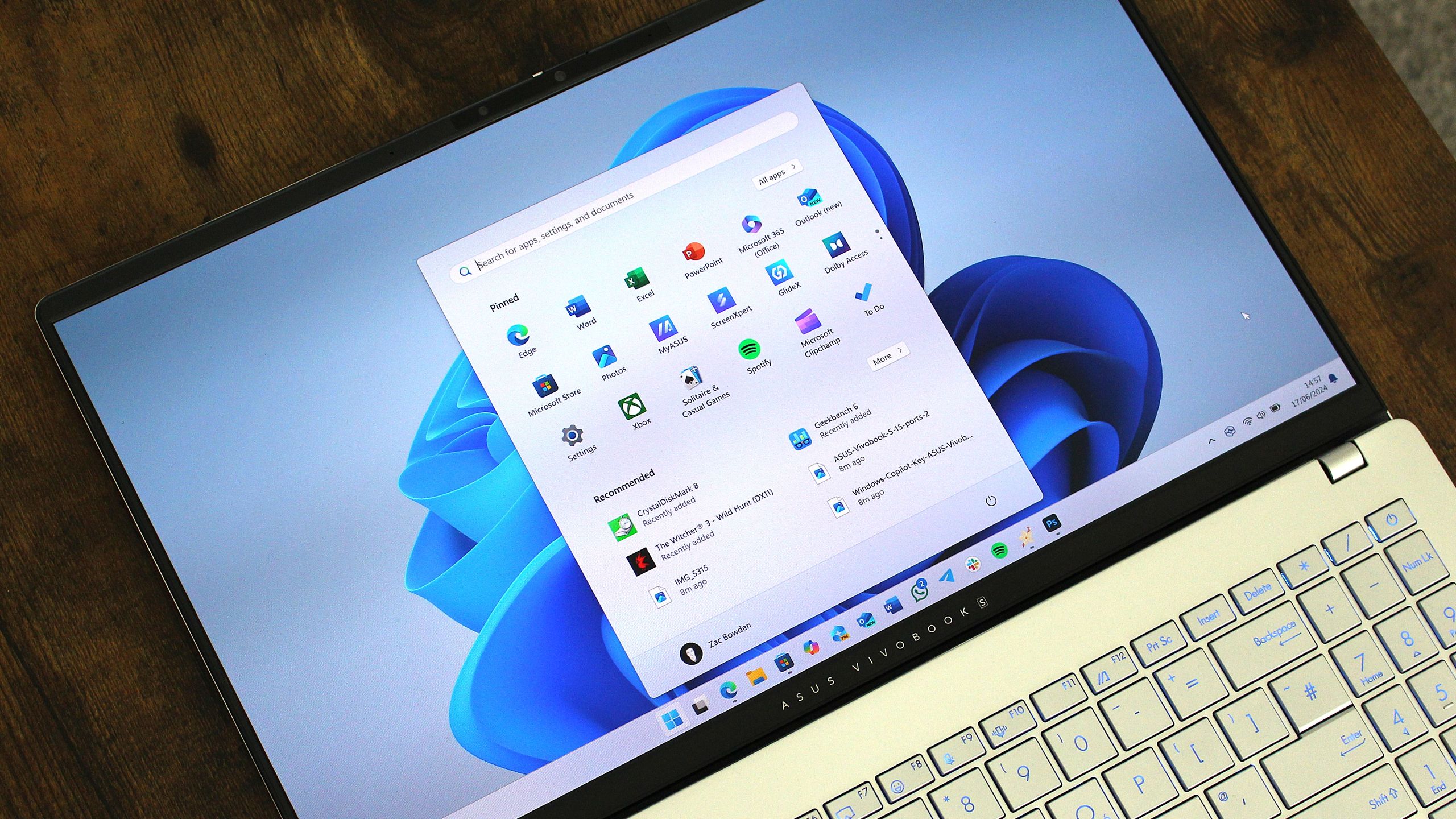
The latest update for Windows 11, identified as KB5089573, signals a concrete shift in how the operating system manages hardware resources. As reported by Windows Central, this optional update is the first to implement Microsoft’s “Windows K2” initiative, a foundational project aimed at addressing long-standing user criticisms regarding OS speed and reliability.
At the heart of these improvements is the “Low Latency Profile,” a feature designed to maximize CPU frequency in rapid bursts. By prioritizing power for immediate tasks, the system achieves measurable gains in user interface speed. Internal testing suggests that system flyouts can appear up to 70% faster, while application launch times see improvements of up to 40%.
According to the official changelog, the update specifically:
- “accelerates app launch and core shell experiences such as Start menu, Search, and Action Center.”
- “improves Windows reliability on the sign-in and lock screens, in File Explorer, when using touch gestures on touchscreen devices, and when changing themes in Settings.”
Microsoft notes that these performance enhancements are rolling out gradually. Users may not experience the full impact immediately upon installation, as the improvements are expected to become available in waves over the coming weeks. The technical implementation of the Low Latency Profile involves a more aggressive management of the OS scheduler, reducing the time the kernel spends in deep sleep states when the user is actively interacting with the shell. This adjustment is particularly targeted at high-refresh-rate monitors and touch-enabled devices, where frame-time consistency is critical to the perception of fluidity.
Expanding Inclusive Computing Tools
While the general public receives performance patches, Windows Insiders are currently testing a suite of new accessibility tools in the Experimental and Beta channels. As detailed by Notebookcheck, the latest builds, including 26300.8497, prioritize features that reduce physical strain and improve hardware compatibility.
A standout addition is “screen tint,” an accessibility setting that allows users to apply a color overlay across the entire display. Unlike “Night Light,” which focuses on color temperature to reduce blue light, screen tint is designed to lower the overall intensity of the display. This aims to assist users experiencing light sensitivity or eye fatigue during extended periods of computer use. The feature allows for granular control over hue and opacity, which can be adjusted via a new slider interface within the Accessibility menu in Settings.
Additional updates include:
- Voice Access: A new voice isolation toggle that filters out background noise and nearby speech, keeping processing local to the device. This local processing ensures that speech-to-text commands remain functional in environments with high ambient noise without requiring cloud-based filtering.
- Braille Support: Narrator now supports HID-standard refreshable Braille displays, enabling plug-and-play functionality via USB and Bluetooth without the need for additional setup. This integration removes the dependency on third-party drivers that previously complicated the configuration process for assistive technology hardware.
- Printer Management: New controls for Windows Ready Print and IPP, reflecting a broader shift away from legacy third-party printer drivers. These tools provide a standardized interface for managing network and local printers, prioritizing modern IPP (Internet Printing Protocol) standards to reduce driver-related crashes.
Advancing Accessibility into System Infrastructure
The current testing phase highlights a transition toward a more modular operating system. Yahoo Tech reports that the new Braille display support extends to the initial Windows setup experience (OOBE), allowing users who are deaf-blind to configure their PCs independently from the first screen. This change underscores a move to integrate accessibility directly into the OS infrastructure rather than treating it as an auxiliary menu item. By embedding these capabilities into the OOBE, Microsoft is effectively lowering the barrier to entry for users who rely on assistive hardware to interact with the BIOS or initial OS installation wizards.
Technical analysis from igor’sLAB points out that the current builds are based on Windows 11 version 25H2 and are being delivered via an “Enablement Package.” This method allows Microsoft to distribute features through controlled rollouts, ensuring that new additions do not cause conflicts across diverse hardware configurations before reaching the stable channel. The use of an Enablement Package signifies that the underlying OS core remains largely unchanged in version 25H2, with new functionality being “switched on” via small, modular updates rather than requiring a full-scale OS reinstallation.
Balancing Maintenance with Modernization
As Microsoft continues to refine these features, the focus remains on the “K2” initiative’s goal of improving foundational reliability. This includes rigorous validation of the new printer management stack to ensure that legacy enterprise hardware remains functional despite the deprecation of older print drivers. With the first Secure Boot certificate expiration approaching on June 24, the company is managing these feature updates alongside critical security plumbing, marking a period of intense maintenance for the Windows platform. The integration of these security updates alongside performance-focused changes like the Low Latency Profile reflects a dual-track strategy to modernize the OS architecture while simultaneously fortifying it against emerging security vulnerabilities.
